Keep Windows up to date
Install Windows updates when they are available. Updates can improve security, fix problems, and keep your computer running reliably.

Helpful resources
Simple, practical guidance to help you use Windows and Microsoft tools with more confidence.
Technology should make your day easier. These quick tips cover common settings, updates, and habits that can help keep your computer working smoothly.









Install Windows updates when they are available. Updates can improve security, fix problems, and keep your computer running reliably.
Use a strong, unique password for your Microsoft account and turn on two-step verification when available. It is a simple way to add protection to your account.
Save important files in more than one place. A backup can help you recover photos, documents, and other files if something goes wrong.
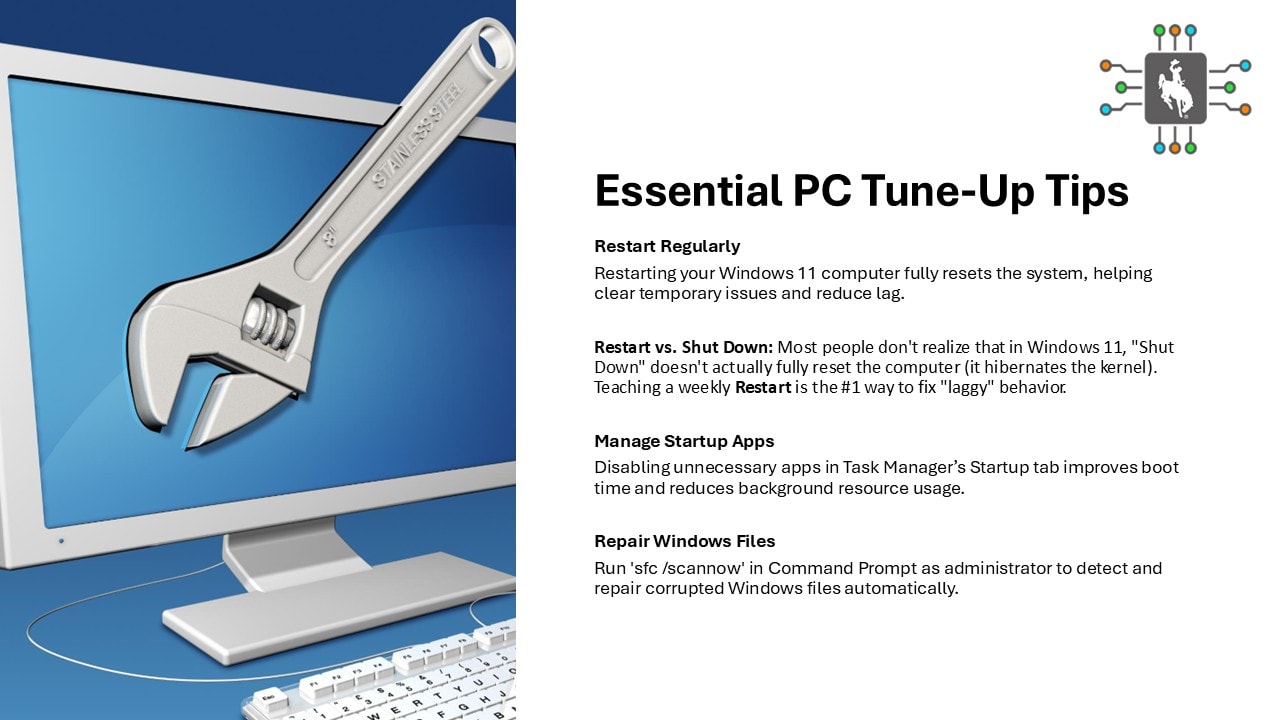
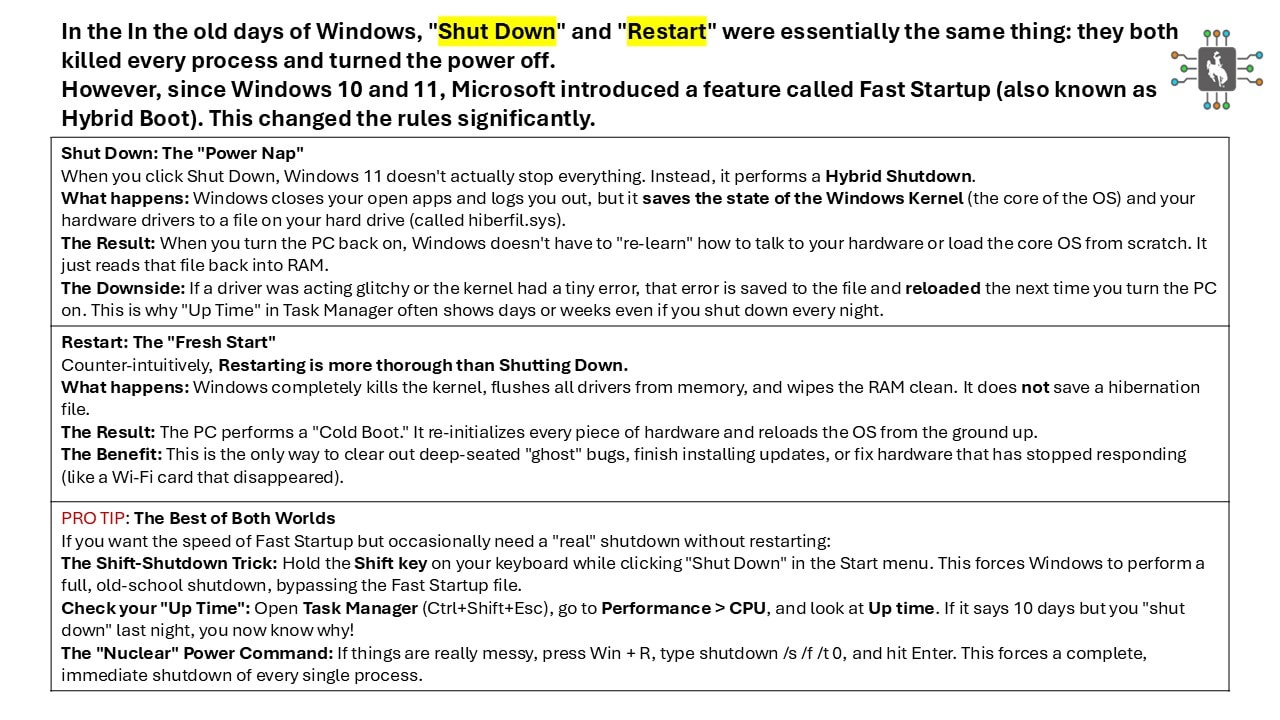
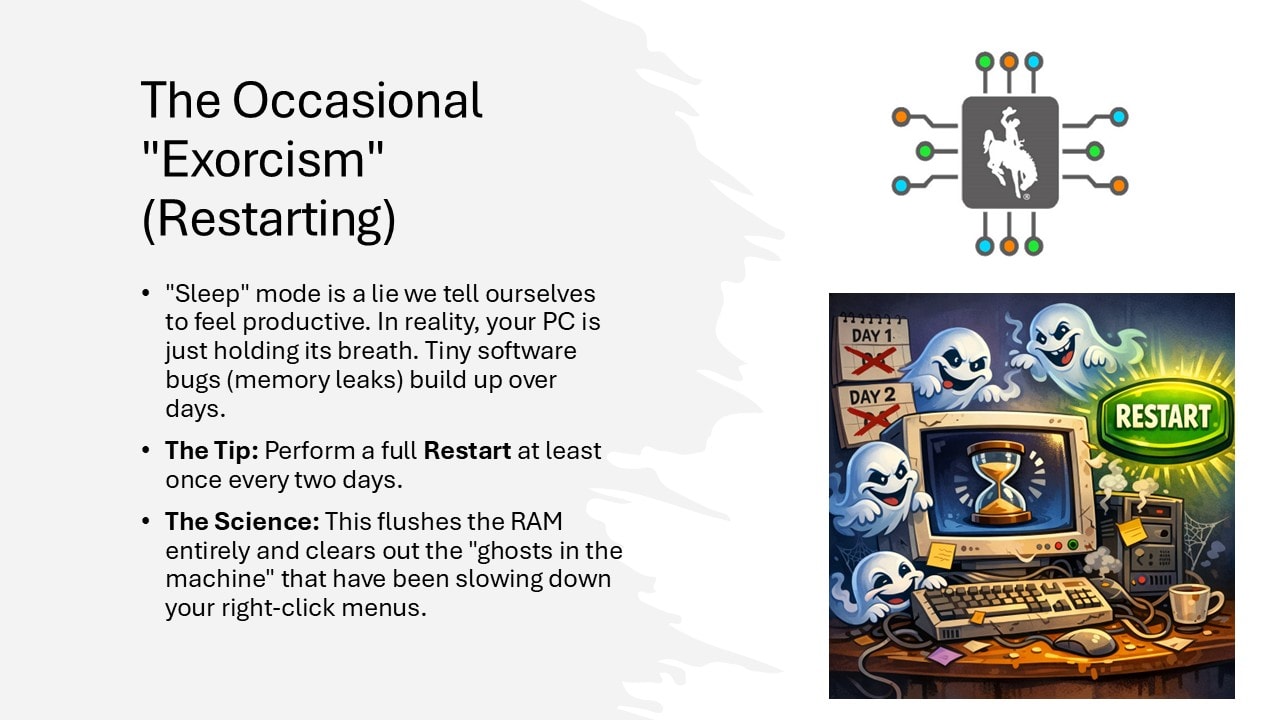
Restarting your computer can clear temporary issues and complete updates. It is often a good first step when something is not behaving as expected.
Be cautious with unexpected links, attachments, and pop-ups. When in doubt, pause before clicking and ask for help.
If a problem keeps coming back, write down what you see and when it happens. That information can make troubleshooting faster and easier.
Local help when you need it
If you need a hand with your computer, software, or everyday technology, our local team is here to help.